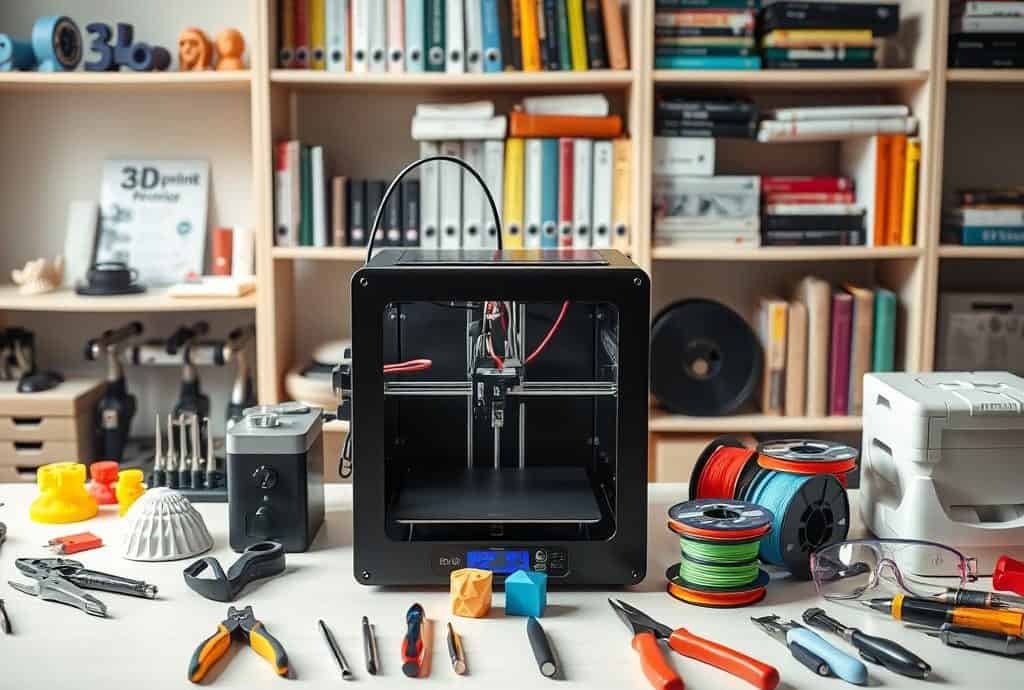
The Best 3D Printing Tools & Software for Beginners
Standing in my workshop, I felt a mix of excitement and fear. The world of 3D printing was full of possibilities but also complex. The blank digital canvas of 3D modeling software seemed overwhelming at first.
I wished for a guide to help me choose the right 3D Printing Tools and software. Whether you’re starting or diving deep, the right tools are key to your journey.
The world of 3D printing has changed a lot. It’s now easier for many to explore their creativity. Today, there are many 3D modeling software options, including free ones. This guide aims to help beginners navigate this exciting field.
I want to share tools and software that will help you start your journey. Remember, every expert began as a beginner. With the right tools, you can overcome challenges and create something amazing!
Key Takeaways
- Explore a range of 3D printing tools designed to enhance your experience as a beginner.
- Access to free 3D modeling software opens up opportunities for all.
- Understanding solid modeling is key for successful prints.
- Different software tools cater to various skill levels, allowing for personalized growth.
- Take advantage of resources and tutorials that guide you through the learning curve.
Essential 3D Printing Tools for Beginners
Starting my 3D printing journey, I quickly learned the value of the right tools. Essential tools greatly improve print quality and the overall experience. Here are some must-have 3D printing accessories for beginners.
Glue Stick for Improved Adhesion
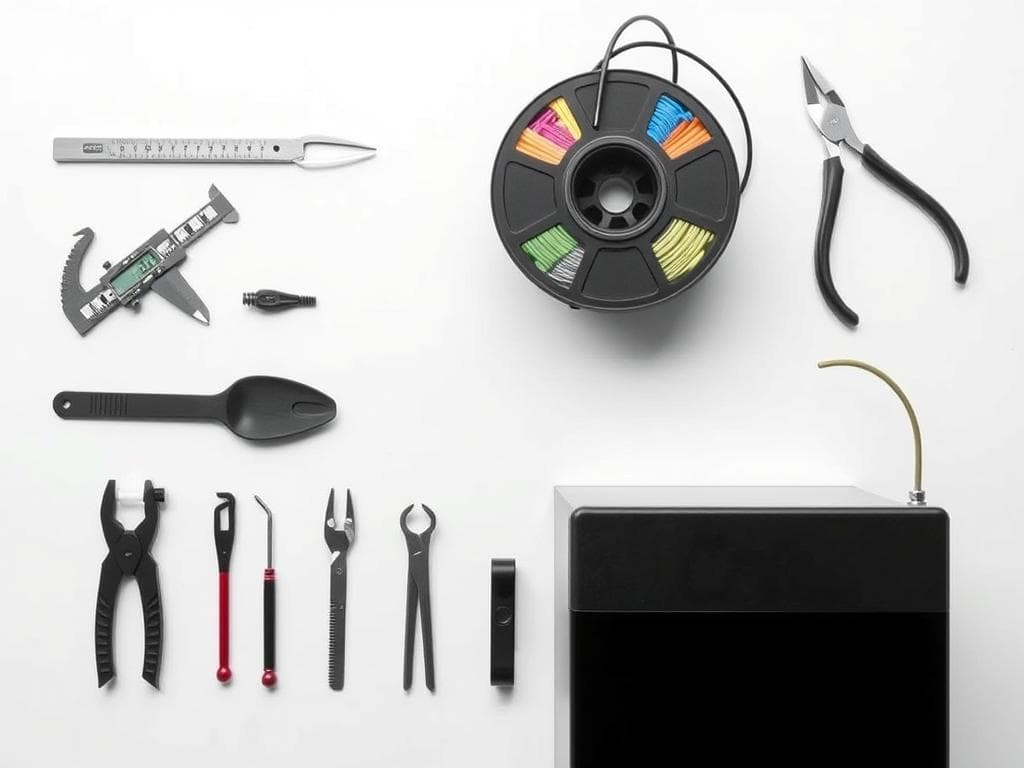
A glue stick is a game-changer for better adhesion. It’s my top choice over hair spray because it’s precise and safe. It keeps prints in place, boosting my success rate.
Spatula or Palette Knife for Easy Removal
Removing prints is easier with the right tool. I use a spatula or palette knife, with both stiff and flexible options. This helps avoid prints sticking too hard to the bed.
Digital Caliper for Precision Measurements
The digital caliper is a key tool for me. It lets me measure filament and print sizes accurately. This precision is vital for successful 3D printing.
Pliers for Maintenance and Handling
Pliers are versatile in my 3D printing kit. I have needle nose pliers for detailed work and wire-cutting pliers for filament and support material. They make my work easier and help my printer last longer.
Best 3D Printing Software to Kickstart Your Journey
Starting with 3D printing? Choosing the right software is key. There are many options for all skill levels. Whether you’re new or advanced, these choices can help a lot.
Tinkercad: User-Friendly and Free
Tinkercad, made by Autodesk, is great for beginners. It’s a web-based tool that’s easy to use. It has lots of tutorials to help you learn 3D modeling fast.
Blender: Advanced Features for Those Ready to Learn
Blender is for those who want to grow their skills. It’s a free, open-source software with lots of tools. It’s more challenging to learn, but it lets you do complex projects.
SketchUp: Perfect for Architectural Projects
SketchUp is great for architectural work. It has both free and paid versions. It’s easy to use, making it perfect for beginners and professionals alike.
Fusion 360: Comprehensive Tool for All Skill Levels
Fusion 360 is for everyone. It has powerful CAD tools and cloud features. It’s perfect for creating detailed models and working with others.
Conclusion
Looking back on my 3D printing journey, I see how key tools and software are for beginners. Things like glue sticks help with sticking, and tools like Tinkercad make it easy to start. These tools help turn ideas into real things, encouraging us to be creative.
The world of 3D printing is growing fast, opening up new chances in fields like healthcare and aerospace. Each tool and software helps make new ideas possible, making things better and faster. This keeps me excited to keep learning and making.
Learning and practicing are key, and I’m getting better with the tools I’ve learned about. There’s so much to explore, and I’m ready for it. Let’s keep going, armed with the knowledge to make the most of 3D printing and inspire new ideas.

Leave a Reply
You must be logged in to post a comment.