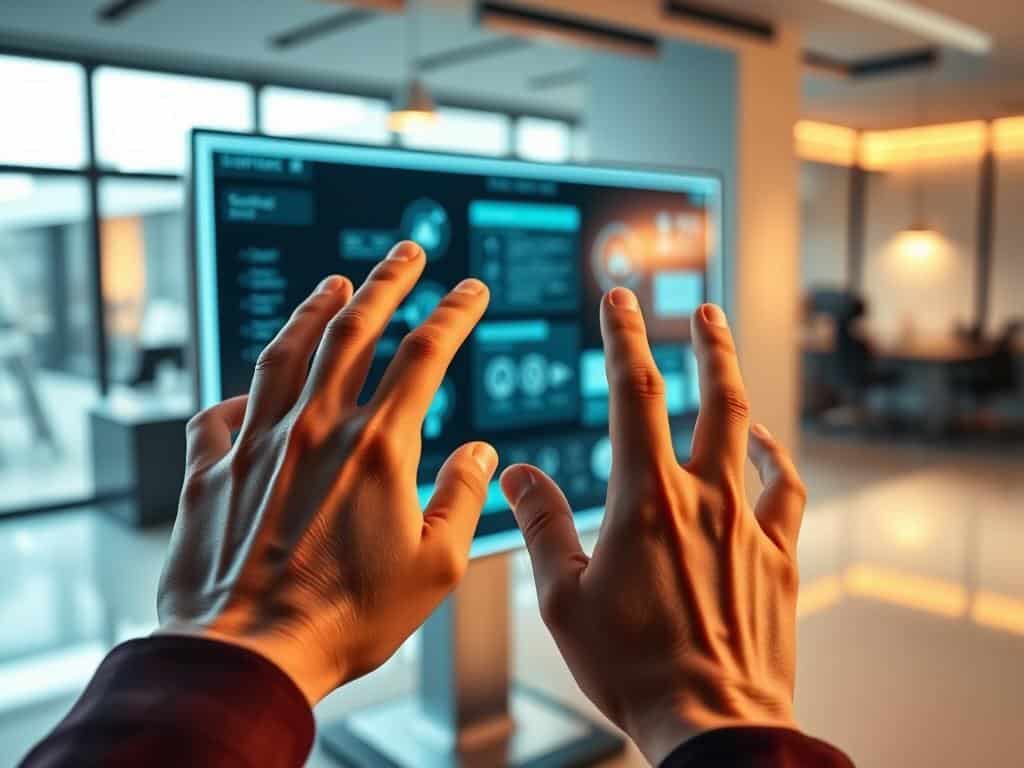
Gesture-Based Design: The Next UI Revolution?
Remembering my first time with touchscreens, I felt pure joy. It was amazing how easy it was to interact with technology. Now, we’re on the verge of another big change in how we use devices.
Gestures are becoming key in how we interact with technology. This shift is making our devices more intuitive and user-friendly. It’s not just about making things easier; it’s about making technology feel as natural as a wave or a nod.
Looking back, we’ve made huge strides in how we interact with technology. From the old command-line to today’s graphical interfaces, each step has aimed to make things simpler. Now, gesture control is leading us to a new era in our tech relationship.
Key Takeaways
- Gesture-Based Interfaces are evolving user interactions beyond touch.
- This UI revolution enhances inclusivity, making things easier for those who need hands-free use.
- The integration of touchless tech is changing fields like healthcare and automotive.
- New technologies are making our interactions with devices smoother through gestures and voice.
- The future will focus on making gesture recognition more accurate and private.
The Evolution of User Interfaces
The journey through the evolution of user interfaces shows big changes in how we use technology. Each step built on the last, leading to the fun experiences we have today.
From Command-Line to Graphical User Interfaces
At first, command-line interfaces were tough for most people. They needed exact commands and a lot of system knowledge. This made it hard for beginners.
Then, graphical user interfaces came along in the 1970s and 1980s. Apple’s Macintosh and Microsoft Windows made computers easier for everyone. These interfaces let users interact with tech through pictures and a mouse, making it easier to use.
The Role of Touchscreens in Modern Interaction
The iPhone’s release in 2007 was a big change. It brought touchscreens that made mobile devices easier to use. Touchscreens let users interact directly, making devices more intuitive.
The Rise of Voice-Controlled Interfaces
Voice-controlled interfaces are a big step forward in tech interaction. With Siri, Google Assistant, and Alexa, users can talk to devices without touching them. This is very convenient.
AI is getting better at understanding different voices and languages. This makes voice interfaces even more useful for people everywhere.
Gesture-Based Interfaces: The Future of Interaction
Gesture-based interfaces are changing how we use technology. They let us control devices with our hands and bodies. This makes using devices more natural and intuitive.
Now, about 90% of mobile devices use gesture-based navigation. This started with the Apple iPhone X. It’s a big change in how we interact with technology.
How Gesture Control Transforms User Experience
Most people prefer using gestures over buttons. Around 70% find it more intuitive. They can do things up to 30% faster with gestures.
85% of people find swiping easier than using buttons. Adding animations can make gestures 50% more successful. This makes interactions smoother and more enjoyable.
Applications Across Industries
Gestures are used in many fields, like healthcare and gaming. In healthcare, they reduce the risk of infection. In education, they make learning more interactive.
In cars and smart homes, gestures make things safer and easier. Now, 65% of mobile apps use swipe gestures. This shows how popular and useful gestures are.
Challenges Facing Gesture Recognition Technology
Gesture tech has its challenges. It must be very accurate, over 95%. This ensures a smooth user experience.
But, 60% of people with disabilities find gestures hard to use. There are also privacy and personal space concerns. These need to be addressed with clear policies.
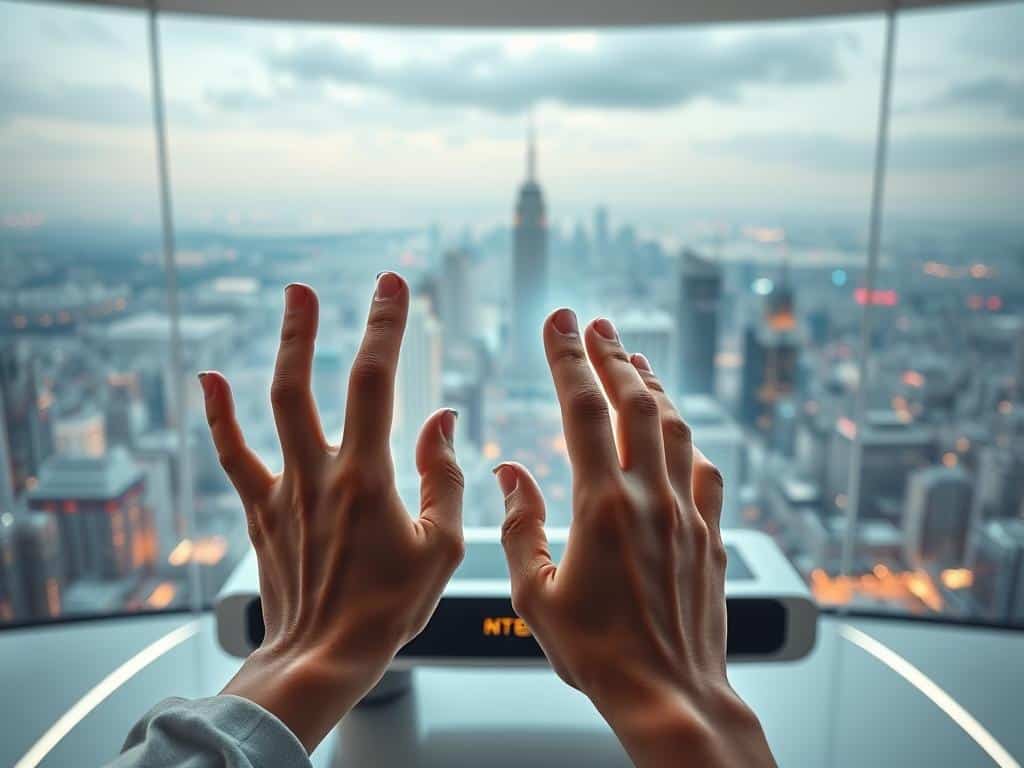
Digital Trends Shaping Gesture-Based Interaction
The world of gesture-based interaction is changing fast. Augmented reality is a big part of this change. It makes digital content more real and interactive.
Apps like virtual shopping let users touch and see digital items. This makes the experience more fun and personal. It connects users more deeply with what they’re using.
Integration with Augmented Reality
Augmented reality adds digital info to the real world. It lets users interact with products in new ways. This tech makes gestures feel natural and easy.
It turns gestures into a way to control digital things. This makes using technology more fun and intuitive.
The Importance of AI and Machine Learning
AI and machine learning are key for better gesture recognition. They help make systems that work well and don’t make mistakes. This is important for a good user experience.
AI learns what users like, making things more personal. As technology gets better, AI will play an even bigger role. It will help make gestures work better everywhere.
Designing for Accessibility in Gesture-Based UI
Now, making gesture-based UI accessible is a big deal. Developers think about things like light and crowds. This makes sure everyone can use it, including people with disabilities.
Being inclusive makes users happy and loyal. It’s a key trend in digital design. It shows that making things for everyone is important.
Conclusion
The future of UI design is moving towards gesture-based interfaces. This makes interacting with technology more natural and intuitive. With technology advancing fast, these interfaces will soon be a big part of our daily lives.
Already, we see how exciting user interactions can be with tools like Leap Motion and Microsoft Kinect. They show us a new way to engage with technology.
Voice-controlled interfaces, like Apple’s Siri and Amazon’s Alexa, are also gaining popularity. This shows users want technology that they can talk to. Combining gestures and voice will lead to new uses in smart homes, cars, and healthcare.
This mix will make our technology more user-friendly and fun. It’s not just about making tech better; it’s about changing how we interact with it.
Looking ahead, augmented reality and AI will make our interfaces even better. By focusing on making technology easy to use and engaging, we’re preparing for the next big step in UI design. Embracing these changes will lead to more dynamic and personal interactions with technology.

Leave a Reply
You must be logged in to post a comment.