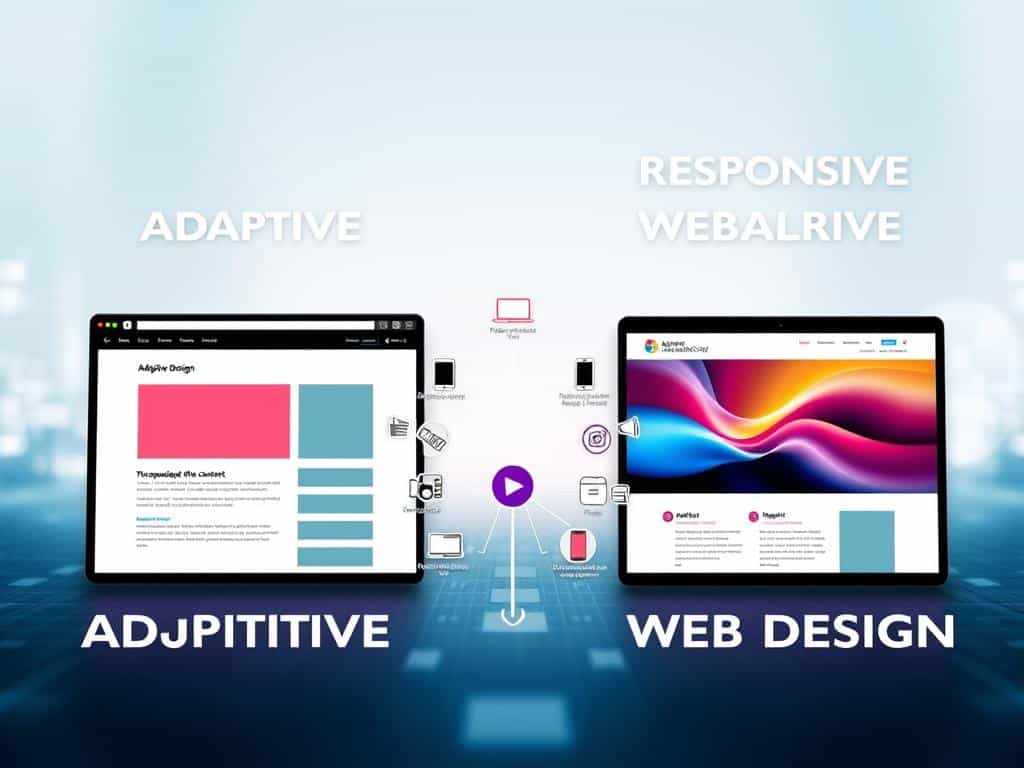
Adaptive vs. Responsive Design: What’s the Difference?
As I think about my web development journey, I realize how much technology affects us. Every time I visit a website, it’s on a device that matters. Whether it’s a tablet at work or a laptop at home, the design makes a big difference.
Adaptive Design and Responsive Design are key in making websites work well on all devices. They’re important for anyone working in UX/UI. With 70% of web traffic coming from mobiles, knowing the difference is a must.
Adaptive Design focuses on making each device’s layout better, which can be faster and more functional. But it needs more upkeep. On the other hand, Responsive Design makes websites easy to use and maintain. It’s better for new sites because it’s simpler and more accessible.
Understanding both designs is important for web development. Speed and performance are key to keeping users interested, no matter the device.
Key Takeaways
- Both Adaptive and Responsive Design are key for a good user experience on all devices.
- Adaptive Design gives tailored layouts that are quick but needs more care.
- Responsive Design is great for new sites because it’s easy to use and accessible.
- Knowing both designs can greatly affect your web development approach.
- Speed and performance are essential for keeping users engaged on any platform.
Understanding Adaptive and Responsive Design
In today’s digital world, knowing the difference between adaptive and responsive design is key. Both aim to make content work well on different devices. But they use different ways to do it. By understanding these differences, creators can make their sites better for users.
What is Responsive Design?
Responsive design makes content change smoothly on various screens. It uses CSS media queries to adjust layouts. This ensures a great experience on phones, tablets, and desktops.
Big names like Google love responsive design. They updated their search rules in April 2015 to favor mobile-friendly sites. This change helped sites that work well on phones show up higher in search results.
What is Adaptive Design?
Adaptive design loads specific layouts for certain screen sizes. It often needs six layouts for different sizes, like 320px and 1600px. Sites like Amazon and USA Today use it to speed up loading times.
This method is good for updating old sites. It’s not as flexible as responsive design but works well for specific needs.
Key Goals of Both Approaches
The main goal of both is to make sites work well on mobile devices. Responsive design is all about being flexible and fluid. Adaptive design focuses on controlling specific layouts for different screens.
Both improve UX/UI. They help designers meet user needs by making sites easy to use on any device.
Comparing Adaptive Design and Responsive Design
Adaptive design and responsive design have key differences. Responsive design is popular for its ability to adjust to any screen size. It offers a consistent user experience across devices. In contrast, adaptive design focuses on creating specific layouts for certain screen sizes.
This method gives designers more control over content presentation. It can improve website performance, mainly for specific devices.
The design process for adaptive design takes longer, about 30% more than responsive design. This is because multiple layouts are needed for different screen sizes. Yet, adaptive designs might be more complex to maintain.
Responsive websites, though, have lower ongoing costs, about 25% less. They use a single layout for all devices, making maintenance simpler. With more people using mobile devices, choosing the right design is critical.
Performance and user experience are key in this debate. Fast-loading websites are preferred by 80% of users. Adaptive designs can load pages up to 50% faster for certain devices.
Responsive designs, while good for mobile, might struggle with loading times. Slow sites can lose 61% of users. Fast site speed is essential for keeping users.
In conclusion, both designs have benefits. But, I prefer responsive design for its flexibility and better search engine rankings. It’s a smart choice for future web development.

Leave a Reply
You must be logged in to post a comment.