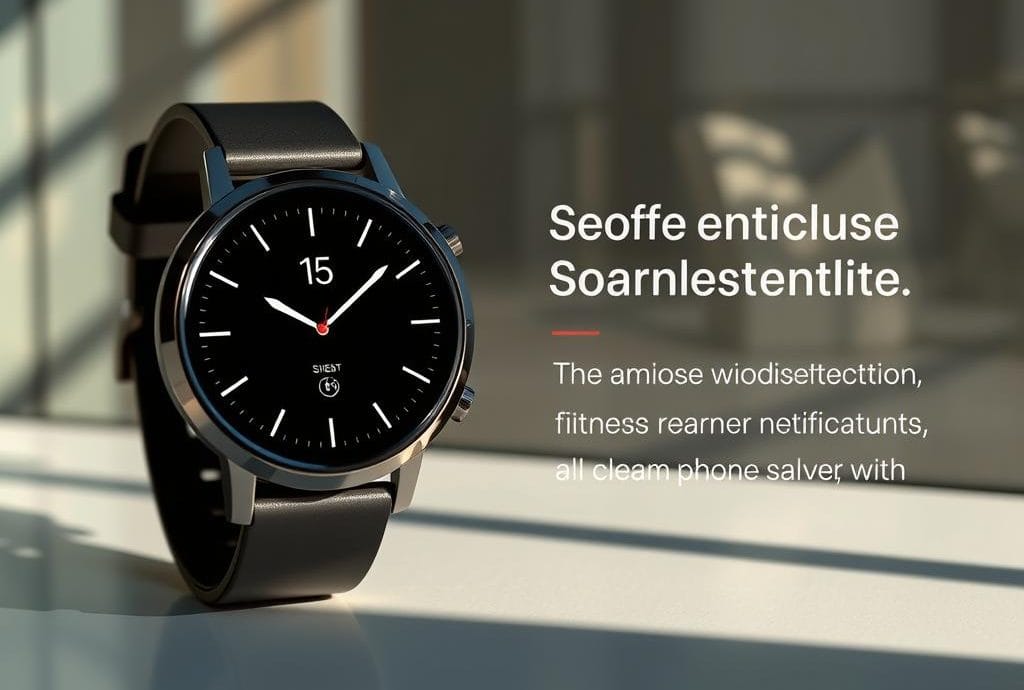
The UX Secrets Behind the Best Smartwatch Interfaces
Did you know about 21% of U.S. adults wear a smartwatch or fitness tracker? This is from a Pew Research Center survey in June 2019. It shows how common wearable tech has become in our lives. We’re seeing a big move towards tracking our health and fitness.
Smartwatches bring new design challenges because of their small size and need for quick access. I’ve worked with top brands like Apple Watch OS and Android Wear OS. I’m eager to share key design tips for smartwatch interfaces. These designs must meet user needs while working within the device’s limits. This balance is key to keeping users engaged and happy.
Key Takeaways
- The rise in smartwatch adoption indicates a growing reliance on wearable technology.
- Effective UX in smartwatches revolves around maximizing limited screen real estate.
- Micro-interactions enhance user experience when designed thoughtfully.
- A minimal and intuitive design can prevent user frustration and abandonment.
- Understanding user behavior is key to crafting seamless smartwatch interfaces.
Understanding Smartwatch User Experience
The rise of wearable technology has changed how we use digital devices. Smartwatches are now a key part of our daily lives, giving us quick access to important info. By 2019, about 1 in 5 US adults used a smartwatch or fitness tracker.
Now, nearly half of people use smartwatches regularly. This shows a big increase in their popularity.
The Rise of Wearable Technology
Smartwatches, like the Apple Watch 8, have changed what we expect from wearable tech. They have small screens but need to show key info clearly. Fast interactions are key, making sure users can quickly use their devices.
Designing smartwatches for easy use is important. This makes the experience better for everyone.
Current Trends in Wearable Tech
Today, wearable tech trends focus on features that learn from our habits. This makes them more useful, like during workouts. Customizable notifications and simple designs are important for a good user experience.
Usability tests help find the most important features for smartwatches. Ongoing improvements aim to make haptic feedback and graphics better. This will make using smartwatches even more enjoyable.
Design Principles for Effective UX in Smartwatches
Creating a great user experience (UX) in smartwatches means understanding their small screens. Designers aim to make these devices easy to use and fun. The way the screen is laid out and how you navigate it are key to a good user experience.
Screen Real Estate and Layout
Smartwatches, like the Apple Watch, have tiny screens. This makes it hard to show important info without making it too crowded. It’s important to make the screen layout clear and easy to read.
Designers focus on the most important features. This keeps the screen simple and helps users find what they need quickly. A simple design makes using the device a breeze.
Gestural Navigation
Gestures are essential for navigating smartwatches. As screens get smaller, gestures like swiping become more important. Apple’s style of using gestures is a good example.
Using gestures that are easy to recognize makes using the device smooth. It lets users move through different functions without getting lost.
Limited Actions and Simplicity
Smartwatches work best when they focus on a few key things. This makes them easier to use and more enjoyable. By not trying to do too much, devices stay simple and fast.
This simplicity is key for daily use. It lets users quickly get what they need from their smartwatch.
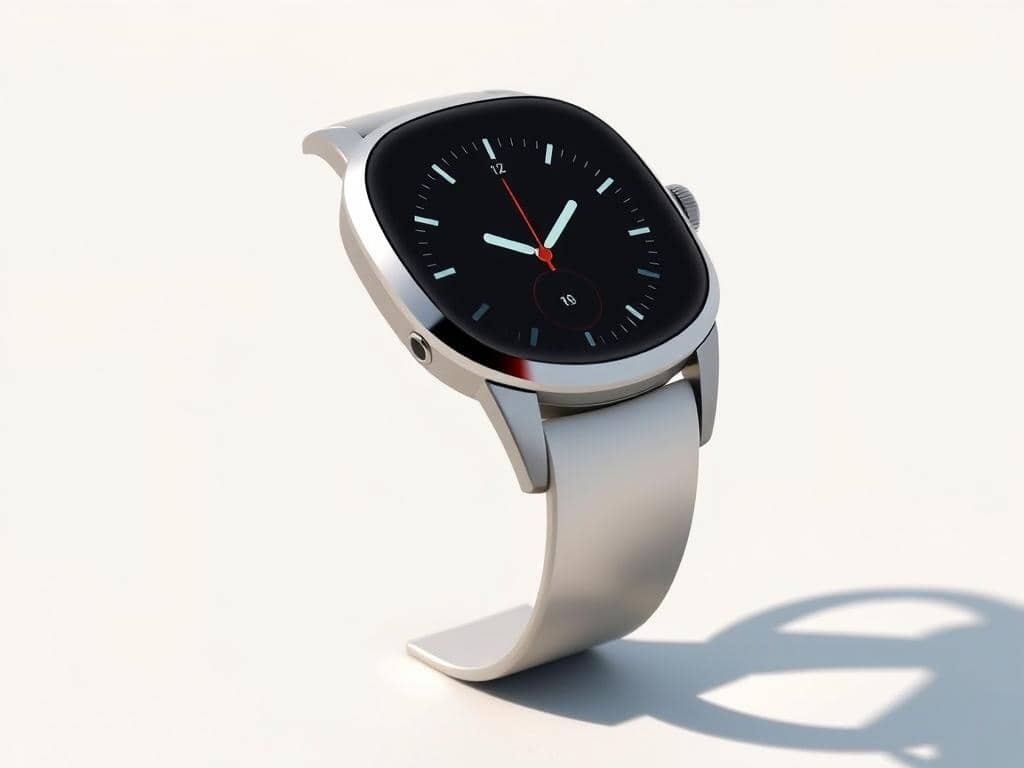
Key Factors Influencing UX in Smartwatches
Understanding what makes smartwatches great is key. Elements like micro-interactions, visual design, and user feedback are vital. They help make the device both responsive and enjoyable.
By combining these, we get a better user experience. This boosts satisfaction a lot.
Micro-Interactions and Feedback
Micro-interactions are the pulse of smartwatch interfaces. They give users instant feedback, showing their actions are recognized. This feedback often uses haptic sensations, which help everyone, including those with special needs.
These features make using the device feel natural. It reduces hassle and makes it more fun.
Visual Design Considerations
Good visual design is essential for small screens. High-contrast colors and clear fonts help users see well, even in bright light. A well-designed interface grabs attention and guides users easily.
This focus on looks makes the device easy to use. It feels natural and intuitive.
Context-Awareness and Personalization
Context awareness makes smartwatches smarter. They adapt to the user’s surroundings and activities. By using real-time data, they change notifications and features to fit the user’s needs.
This personal touch strengthens the bond between user and device. It makes interactions more meaningful and relevant.
Conclusion
Creating a great smartwatch UX starts with understanding how users interact. It also involves tackling the challenges of small screens. As wearable tech grows, it’s key to use design principles made for these devices.
Designers should focus on making things clear and simple. This makes interactions feel natural, not overwhelming. This is important because 40% of users stop using their wearables due to battery and charging problems.
Using power-saving tech and designing interfaces with fewer options helps meet user needs. This keeps users engaged with their smartwatches.
Also, making the experience personal and tailored to each user is vital. With 90% of users wanting devices that work together seamlessly, a smartwatch interface must do more than just work. This approach will lead to new ways of using wearable technology.

Leave a Reply
You must be logged in to post a comment.